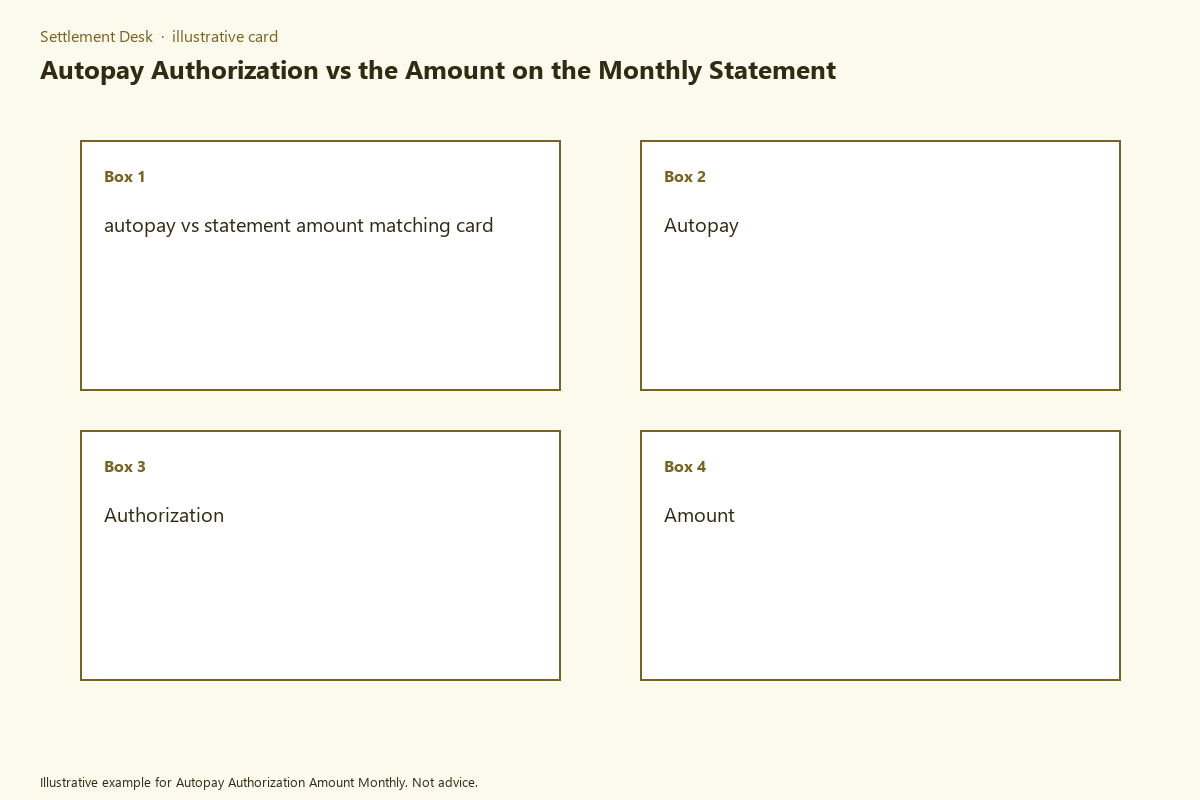
This matching card helps users verify that autopay withdrawals align exactly with listed monthly statement amounts. Mismatches between pre-authorized payment amounts and statement totals can trigger unnecessary late fees, overpayments, or negative credit reporting for loan obligations, or incorrect disbursement tracking for structured settlement recipients. Systematic cross-reference of the three core payment documents eliminates most preventable errors before they escalate to formal disputes. Settlement Desk provides printable versions of this matching card for physical filing with your payment records.
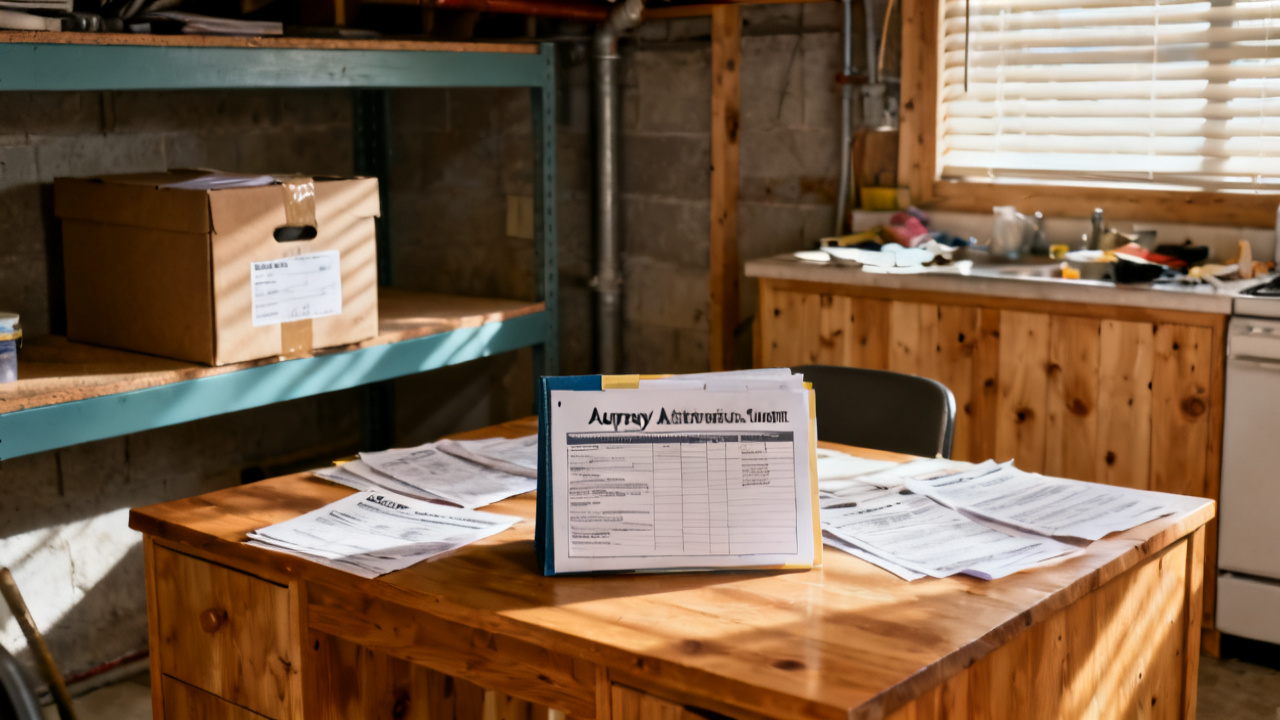
Statement amount column entries to validate against autopay withdrawal records
When you pull your monthly statement, first locate the standardized amount columns, usually grouped near the top of the first page or in a dedicated payment summary section. Key columns to isolate include the principal allocation, interest allocation, any escrow contributions for taxes or insurance (for applicable loan products), one-time adjustment line items, and the final total due for the cycle. You should first cross out any columns that do not apply to your payment terms, such as late fee lines if you submitted all prior payments on time, to avoid confusing non-recurring charges with your base payment amount. For structured settlement recipients, statements will list any court-approved deductions such as child support or assigned attorney fees before the net disbursement amount, so these lines should be cross-referenced against any pre-authorized withdrawals tied to your disbursement. Note that any line item marked “adjustment” without a corresponding explanation note elsewhere on the statement should be flagged immediately for follow-up, as these unlabeled charges are the most common cause of mismatches between statement totals and pre-authorized autopay amounts. For crypto recurring payment plans tied to gain and loss tracking, statements will list any network fee add-ons, which should be cross-referenced against the fee terms listed in your autopay authorization to avoid unapproved charges.
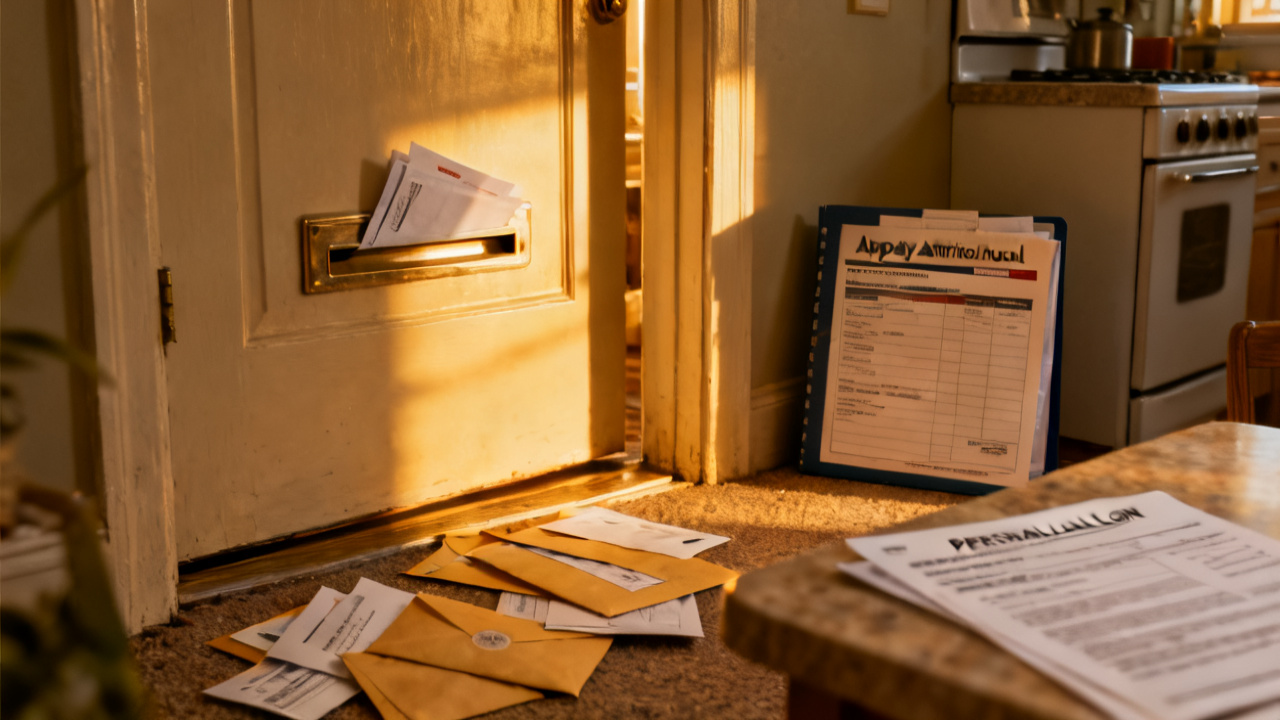
Autopay authorization form line items for locked payment rate terms
Your signed autopay authorization form is the legally binding document that dictates how much can be withdrawn from your account, when withdrawals can be processed, and what triggers allow for changes to the payment amount. Key line items to locate on the form include the fixed total payment amount for locked-rate periods, the effective start and end date for that fixed payment amount, a list of allowed adjustment triggers (such as a scheduled variable rate reset, court-approved modification to structured settlement terms, or annual escrow adjustment), the allowed withdrawal window (typically 1 business day before or after the stated due date for weekends and holidays), and the required notice period for any changes to the withdrawal amount (most regulatory frameworks require a minimum of 15 days written notice before any adjustment to a pre-authorized payment). You should keep a physically signed copy of this form in your payment folder, rather than relying solely on a digital copy hosted on your servicer’s website, as digital versions may be updated without notice to reflect policy changes that were not in effect when you originally signed the authorization. If you have a variable rate product, note the maximum monthly rate cap on the authorization form, so you can quickly verify that any rate adjustment on your monthly statement does not exceed that agreed-upon cap. For structured settlement disbursements, the authorization will list the exact net amount to be deposited to your account after approved deductions, which should match the net total listed on each monthly disbursement statement.
Monthly payment coupon printed totals to cross-reference against both documents
Most servicers include a monthly payment coupon with each paper statement, or provide a book of pre-printed coupons at the start of your loan or structured settlement term. These coupons are designed to be a neutral reference point between your authorization terms and your monthly statement, as they are printed when your terms are finalized and only updated when formal modifications are processed. Key details to cross-reference on the coupon include the pre-printed total payment amount, the unique coupon ID tied to your specific account, the due date for the cycle, and any notes about scheduled adjustments to the payment amount on future coupons. If you have a locked payment rate for a set period, every coupon for that period should have the same total payment amount; if you find a coupon with a different total before the end of the locked period, that is an immediate red flag that either the coupon was printed incorrectly or your terms were modified without your consent. For users who receive digital statements, you can access a printable copy of the monthly coupon from your servicer’s online portal, and you should save a digital copy of each coupon in your deduction schedule folder alongside your statement and withdrawal records. For crypto recurring payment plans, the digital coupon will list the exact fiat or crypto amount to be withdrawn, which can be cross-referenced against your on-chain transaction records and monthly statement totals.
Deduction schedule folder copies of past transactions for discrepancy resolution
Organizing your payment records in a dedicated deduction schedule folder, either physical or digital, is the most effective way to resolve discrepancies quickly before the dispute filing window closes. Your folder should contain 24 months of past monthly statements, corresponding autopay withdrawal receipts from your bank or financial institution, payment coupon copies, and a copy of your signed autopay authorization form, sorted by cycle end date for easy access. Most servicers require dispute claims to be filed within 60 days of the withdrawal date, so having records sorted by date lets you pull all relevant documents for a mismatched cycle in minutes, rather than searching through months of unorganized receipts. Below is the autopay vs statement amount matching card to use for cross-referencing each cycle’s documents:
| Matching Field | Statement Column Location | Autopay Authorization Line Location | Acceptable Variance | Dispute Flag Trigger |
|---|---|---|---|---|
| Total monthly payment due | Total Due column, bottom right of first statement page | Locked Payment Amount line, Section 2 of authorization form | $0 for fixed-term plans | Any variance over $0 for fixed-rate, fixed-term payment plans |
| Interest portion of payment | Interest Breakdown sub-column, payment summary section | Interest Allocation line, Section 3 of authorization form | Illustrative example: ±$0.15 for variable rate plans with monthly rate adjustments | Any variance exceeding the stated monthly variable rate cap for the cycle |
| One-time fee add-on | Adjustments column, final page of statement | Allowed Fee Add-ons line, Section 4 of authorization form | $0 unless written notice was provided 15 days prior to withdrawal | Any fee not disclosed in a formal pre-withdrawal notice sent to your registered contact |
| Withdrawal date | Due Date line, top of first statement page | Scheduled Withdrawal Window line, Section 2 of authorization form | ±1 business day for weekends or federal holidays | Withdrawal posted 3+ days before the stated due date, or 5+ days after the due date without prior notice |
| Principal portion of payment | Principal Breakdown sub-column, payment summary section | Principal Allocation line, Section 3 of authorization form | $0 for fixed amortization schedules | Any reduction in principal allocation without a corresponding reduction in total payment amount |
After cross-referencing each field, mark any fields that trigger a dispute flag, and attach the matching card to the corresponding cycle’s documents in your folder for easy reference during follow-up with your servicer. This page cannot approve modifications to payment plans or resolve disputes on your behalf, so all flagged discrepancies should be shared directly with your servicer for review.
Dispute tracking note templates for documenting mismatched payment figures
When you identify a mismatched payment amount, documenting every step of the dispute process in a standardized note template ensures you have a clear paper trail to support your claim, whether you are resolving the issue directly with your servicer or working with a licensed consumer professional. Your note should include the cycle end date for the mismatched payment, the exact dollar amount of the variance, a clear description of the discrepancy (for example, “statement lists total due of $620.25, autopay withdrew $635.25, $15 difference labeled ‘administrative fee’ on bank statement, no pre-notice received”), the date you first contacted the servicer about the issue, the full name and employee ID of the representative you spoke with, the unique dispute reference number provided by the servicer, and a scheduled follow-up date (typically 10 to 15 business days after the initial contact). A sample completed note entry reads: “Cycle ending 09/30/2024: Fixed personal loan payment, authorized amount $415.00, statement total due $415.00, autopay withdrew $422.00. $7 variance is unlabeled adjustment on bank statement, no pre-notice provided. Contacted servicer 10/08/2024, rep ID #4561, dispute reference #DIS-24-1008-007, follow up scheduled 10/23/2024.” Keep all dispute notes in the same folder as your corresponding payment records, and if the servicer does not resolve the dispute within 30 days, you can share these documented notes with a licensed attorney or consumer protection professional for guidance on next steps. All claims should be reviewed with your servicer, annuity issuer, tax preparer, or licensed professional before formal submission.
Pull your most recent monthly statement, signed autopay authorization form, and corresponding bank withdrawal receipt, and cross-reference all fields using the matching card table within the next 7 days to catch any unreported discrepancies before the dispute window closes.